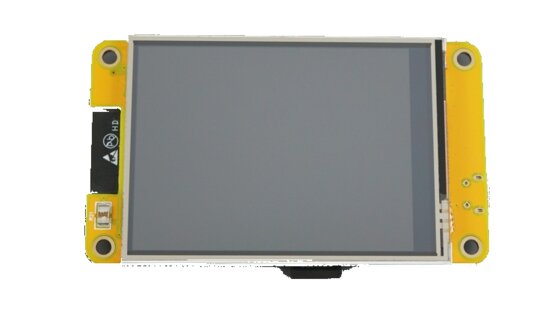
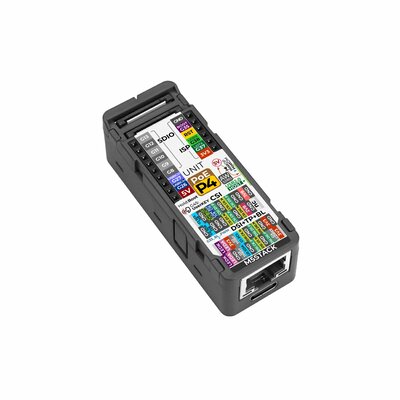
Flash your device directly from the browser โ no drivers or tools required.
1 ยท Select your board
2 ยท Connect & install
โ ๏ธ WebSerial is not supported in this browser.
Use Chrome or Edge (desktop).
Instructions
Select your board above.
Plug the device into this computer via USB.
Hold the BOOT button on the back of the board, click
Connect & Flash, select the serial port, then release BOOT.
Wait for the flash to complete (~30โ60 s).
Follow the on-screen setup wizard on the device display after a factory reset,
or resume normal use after an upgrade.
Troubleshooting
"Failed to initialize" โ hold the BOOT button on the back of
the board before clicking Connect & Flash, then release after selecting
the port.
Device stuck in a boot loop (screen blank / resets every few seconds)
โ ensure Factory Reset is ticked, then flash using the BOOT-button method.
No serial port appears โ try a different USB cable (some are
charge-only), or close any other app using the port (Arduino IDE,
PlatformIO monitor).
No serial port appears โ try a different USB cable (some are
charge-only), or close any other app using the port (Arduino IDE,
PlatformIO monitor).
๐
WebSerial requires a secure context.
This page works on localhost automatically.
To flash over a local network, front this container with HTTPS
(e.g. Caddy, Nginx reverse proxy, or Tailscale Funnel).